
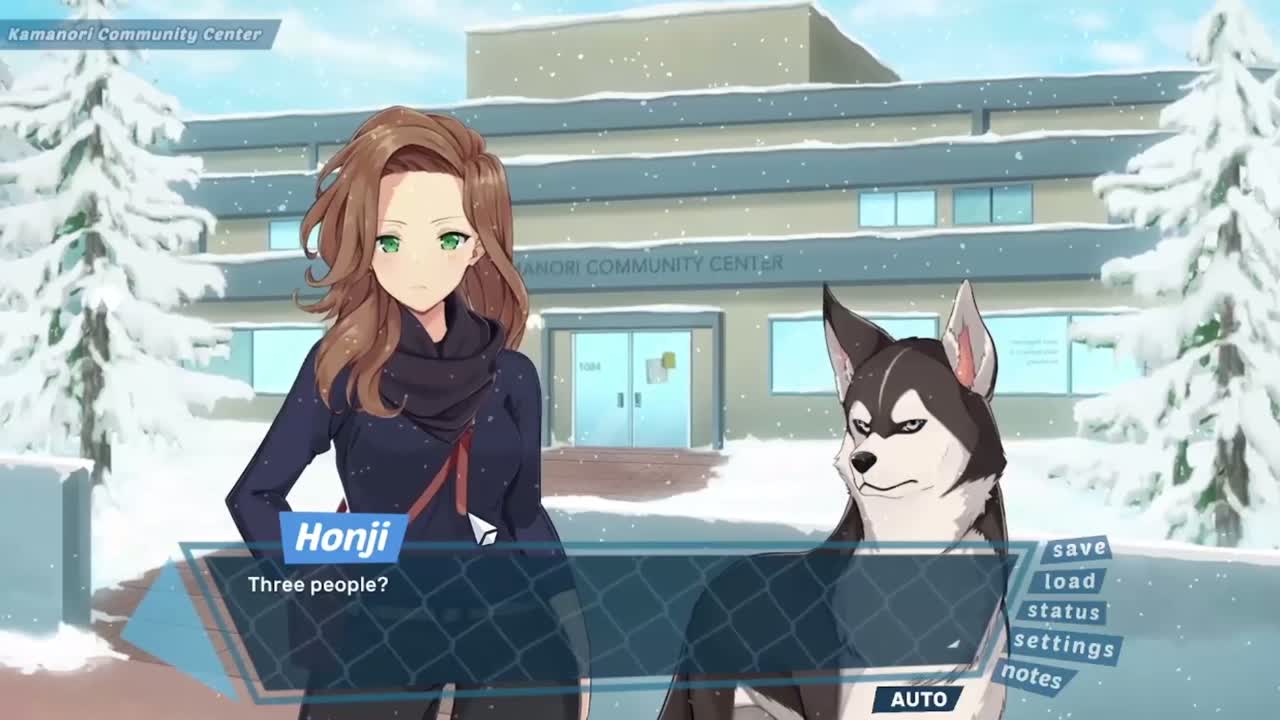
Every accessibility option ships on day one
Accessibility in a visual novel usually means you can make the text bigger. We wanted more than that, and we wanted it in the game people buy on day one instead of in a patch six months later, once the reviews are already written.
Some of it came out of the obvious places. This is a game made almost entirely of reading, so the reading options got the most work. The rest came out of watching people play the demo and noticing where they stopped. Here is everything that is in.
Reading
- Three reading fonts: Rubik, Atkinson Hyperlegible and OpenDyslexic
- Text size from 85% to 140%, applied everywhere text is read
- Adjustable text speed, and auto-advance with its own timing slider
- Textbox opacity, an outline on the letters, and a highlight backdrop behind them
- Adjustable dimming of lines you have already read
Audio
- Independent volume for master, music, sound effects, voices and cutscenes
- Audio descriptions: sound effects and music captioned on screen, so a door closing or the score turning tense is something you read rather than something you miss
Motion and light
- Reduce motion, which cuts the transitions instead of fading them, stops the parallax and thins out the snow
- Camera shake off, on its own toggle, because some people want the snow and not the shake
- Photosensitivity mode, which turns white flashes into black fades
Difficulty and pacing
- Assist mode, with per minigame sliders for time, lives, enemy speed and tolerance
- Accessible QTE mode, which resolves timed prompts and minigames as a success without you touching anything, so the story never gets gated behind reflexes
- Skip jumpscares: the scene still happens, the spike does not
- Skip mode, set to read lines only or to every line
- Pause from any scene
Saving and controls
- Save anywhere: ten manual slots, an autosave, and a quick save slot of its own. Loading puts you back at the start of that scene rather than the exact line, which makes it easy to go back and take a decision differently
- Quick save and quick load on F5 and F9
- A dialogue backlog with the full history
- Playable end to end on a controller
- Remappable controls for the core actions, on keyboard and on the pad
- One button that resets every accessibility setting
Privacy
- Analytics opt-out
Two limits we would rather say out loud than let you find after buying. Remapping covers the core actions rather than every button, so you can move the ones that matter most but not rebuild the whole layout. And there are no colorblind options, which is a problem in our render pipeline that we could not solve in time for release.
That list is where we got to, not where we think the ceiling is. If there is something you need and it is not here, write to us at taarobravo@gmail.com and tell us what it is. Adding an option before release is a small job. Adding it after, once saves and translations exist, is a much bigger one, so now is genuinely the better time.